
I
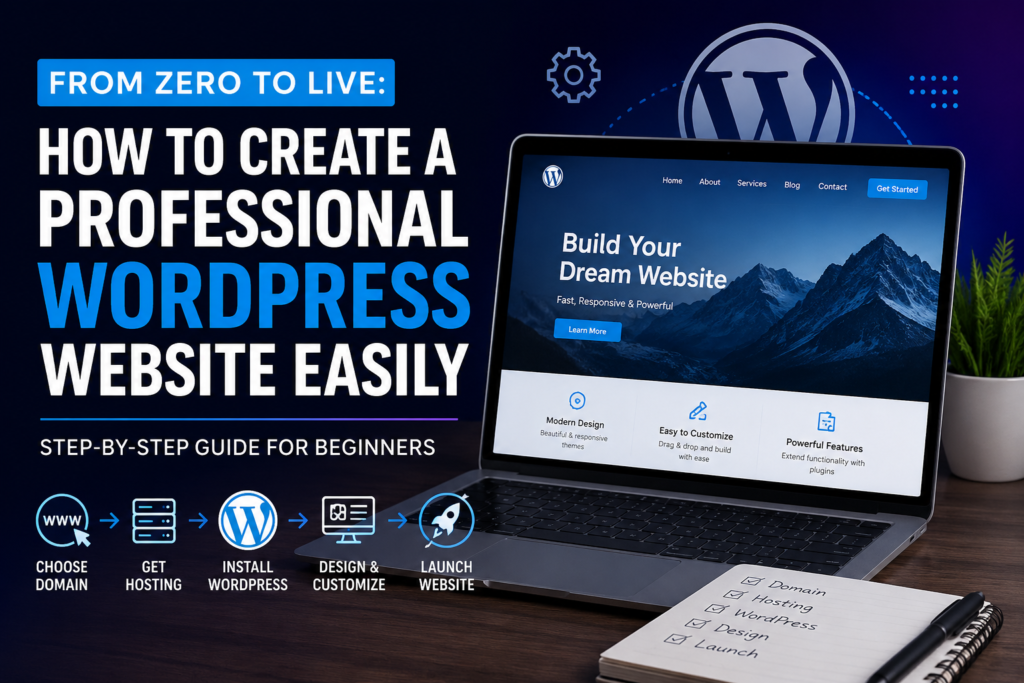
n today’s digital-first world, having a professional website is no longer optional—it’s essential. Whether you’re a business owner, freelancer, blogger, or entrepreneur, your website serves as your online identity and often creates the first impression for potential customers.
The good news? You don’t need to be a web developer or coding expert to build a stunning website. Thanks to WordPress, creating a professional website has become easier, faster, and more affordable than ever before.
WordPress powers over 40% of websites worldwide and offers endless customization options, making it the preferred choice for beginners and professionals alike. In this guide, we’ll walk you through the complete process of creating a WordPress website—from purchasing a domain name to launching a fully functional, professional-looking site.
Let’s get started.
Key Benefits of WordPress
Beginner-Friendly Interface
WordPress provides an intuitive dashboard that makes managing your website simple, even for first-time users.
Highly Customizable
Thousands of themes and plugins allow you to create virtually any type of website.
SEO-Friendly Structure
WordPress is built with search engine optimization in mind, helping your website rank better on Google.
Cost-Effective Solution
You can create and manage a professional website without spending thousands of dollars on development.
Scalability

Conclusion
Creating a professional WordPress website may seem overwhelming at first, but with the right approach, anyone can build a powerful online presence without technical expertise. By selecting a memorable domain name, choosing reliable hosting, installing WordPress, customizing your design, and optimizing for SEO, you can create a website that not only looks professional but also delivers results.
Remember, a successful website is never truly finished. Regular updates, fresh content, performance optimization, and security maintenance will help your website continue to grow and achieve its goals. Start today, follow these steps, and transform your idea from zero to live with confidence.
Frequently Asked Questions (FAQs)
1. Can I create a WordPress website without coding knowledge?
Yes. WordPress is designed for beginners and allows you to build a professional website using themes, plugins, and drag-and-drop builders without writing code.
2. How much does it cost to create a WordPress website?
The cost depends on your hosting, domain name, premium themes, and plugins. A basic website can typically be launched for a relatively low annual investment.
3. How long does it take to build a WordPress website?
A simple website can be created within a few hours, while more complex business websites may take several days or weeks to complete.
4. Is WordPress good for SEO?
Yes. WordPress is highly SEO-friendly and offers numerous plugins and tools that help optimize your website for search engines.